
键盘
键盘按键发送按键操作,就像在物理键盘上按下一样。
此功能模拟标准 USB 键盘。它可以在任何设备上工作,无需运行 FlexDesigner。
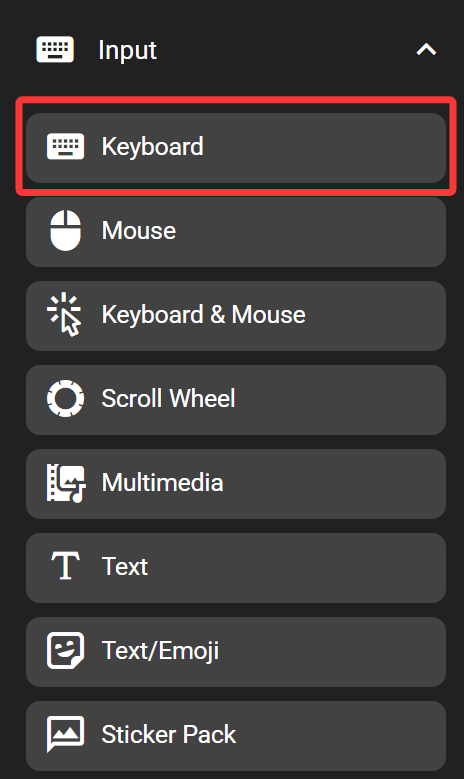
在 FlexDesigner 中
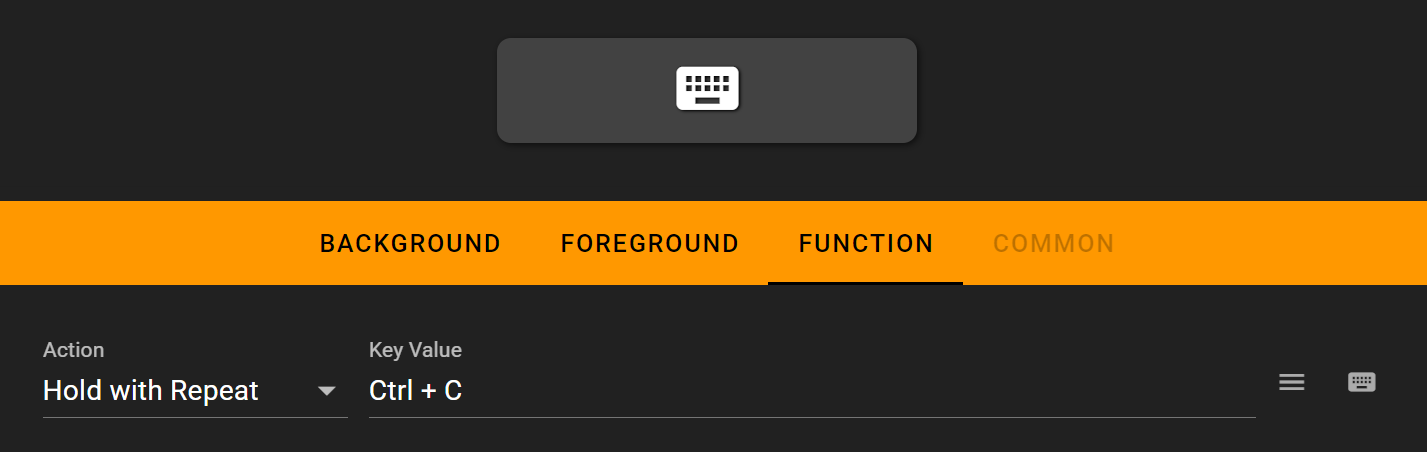
FlexDesigner 为此按键提供以下设置:
- 执行类型:设置按键是否应该重复或保持按下。以下选项可用:
- 单击:按下时触发一次。
- 按住重复:按下时触发一次,如果按键保持按下则重复(类似于真实键盘)。
- 始终按住:按下按键,即使在按键释放后也保持按键按下状态。
- 释放/释放全部:按下时释放按键。如果没有分配按键,则释放所有之前按下的按键。
- AB 模式:按下时按 A 键,释放时按 B 键。
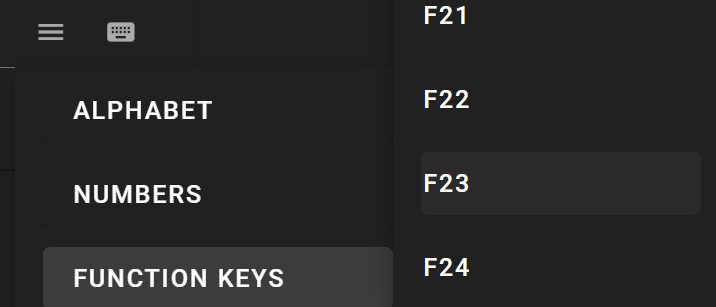
- Key Value: Set the key or key combination to send. Click on the input box and press the key to set it. Alternatively, use the menu button on the right to select key from the menu, or use the virtual keyboard button to select one from the on-screen virtual keyboard. To clear the key combination, click on the input box to highlight it, and click on the X button to the right of the input box. You can also use the virtual keyboard to input your keys
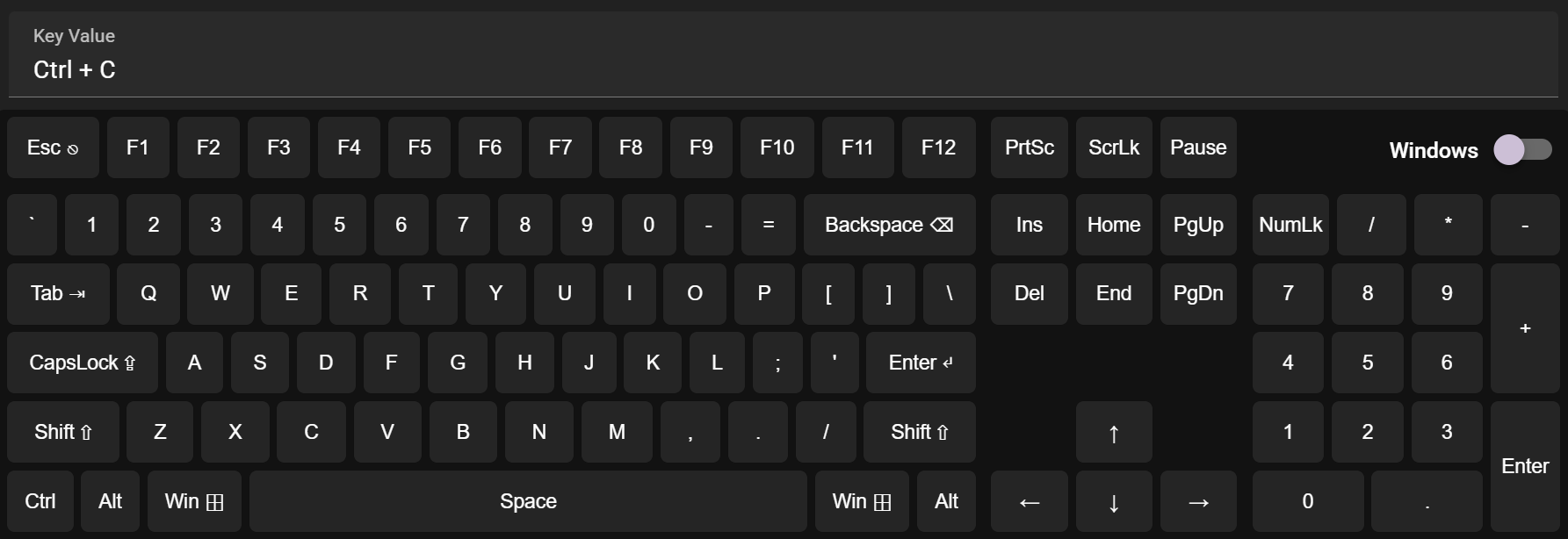
您也可以直接选择需要输入的按键
在 Flexbar 上
在 Flexbar 上按下按键以触发定义的操作。