
キーボード
キーボード キーは、物理キーボードで押されたかのようにキーの押下を送信します。
この機能は、標準の USB キーボードをエミュレートします。 FlexDesigner を実行していなくても、どのデバイスでも動作します。
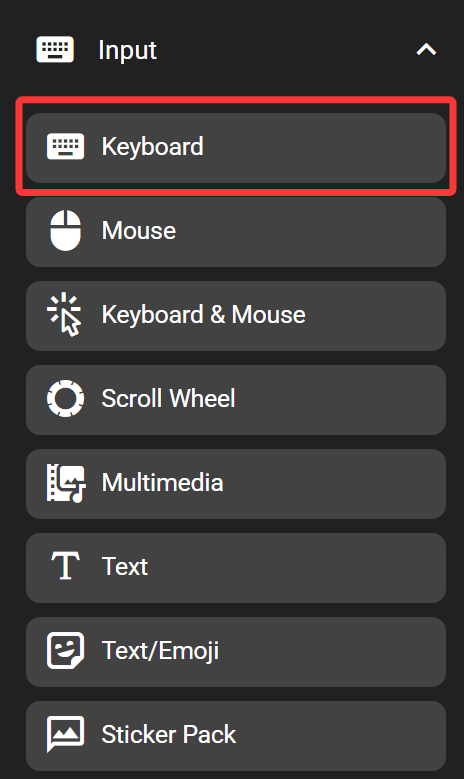
FlexDesigner で
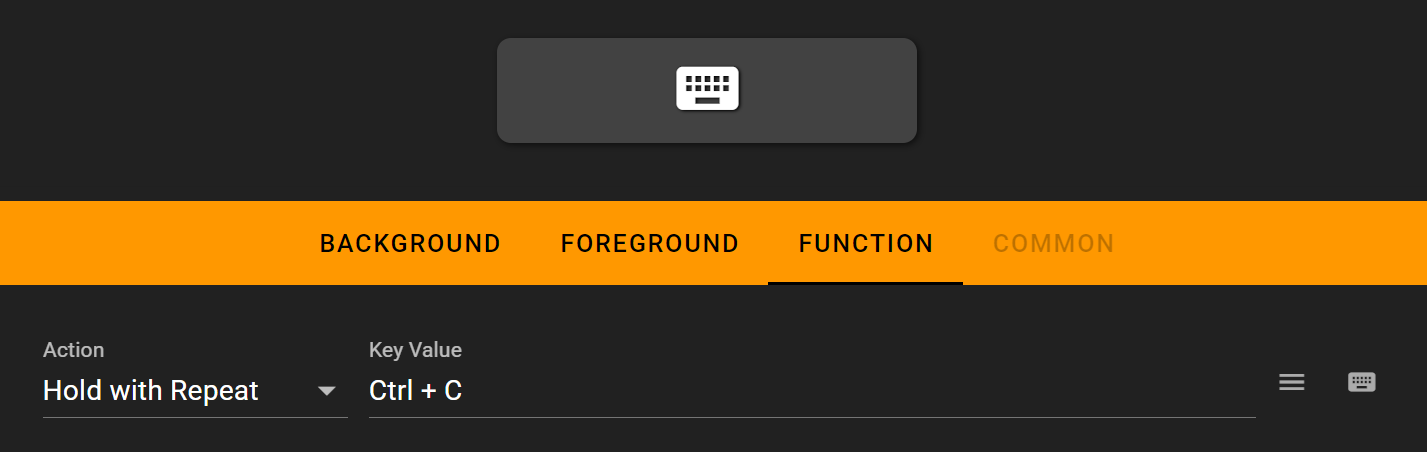
FlexDesigner は、このキーの次の設定を公開します。
- 実行タイプ: キーを繰り返すか押し続けるかを設定します。次のオプションが利用可能です。
- シングルクリック: 押すと 1 回トリガーされます。
- Hold with Repeat: キーを押すと 1 回トリガーされ、キーを押し続けると繰り返します (実際のキーボードと同様)。
- Always Hold: キーを押し、キーを放した後もキーを押したままにします。
- リリース/すべてリリース: キーを押したときにキーを放します。キーが割り当てられていない場合は、以前に押したすべてのキーを放します。
- AB モード: A キーを押したときに押し、放したときに B キーを押します。
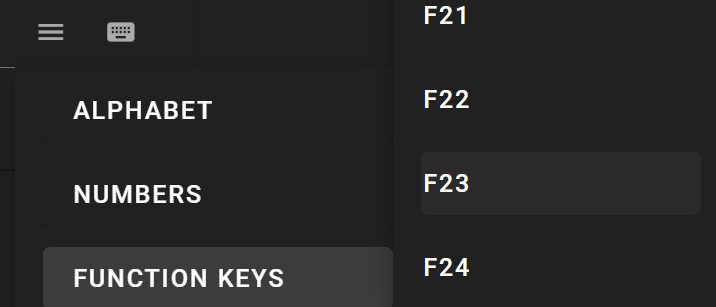
- Key Value: Set the key or key combination to send. Click on the input box and press the key to set it. Alternatively, use the menu button on the right to select key from the menu, or use the virtual keyboard button to select one from the on-screen virtual keyboard. To clear the key combination, click on the input box to highlight it, and click on the X button to the right of the input box. You can also use the virtual keyboard to input your keys
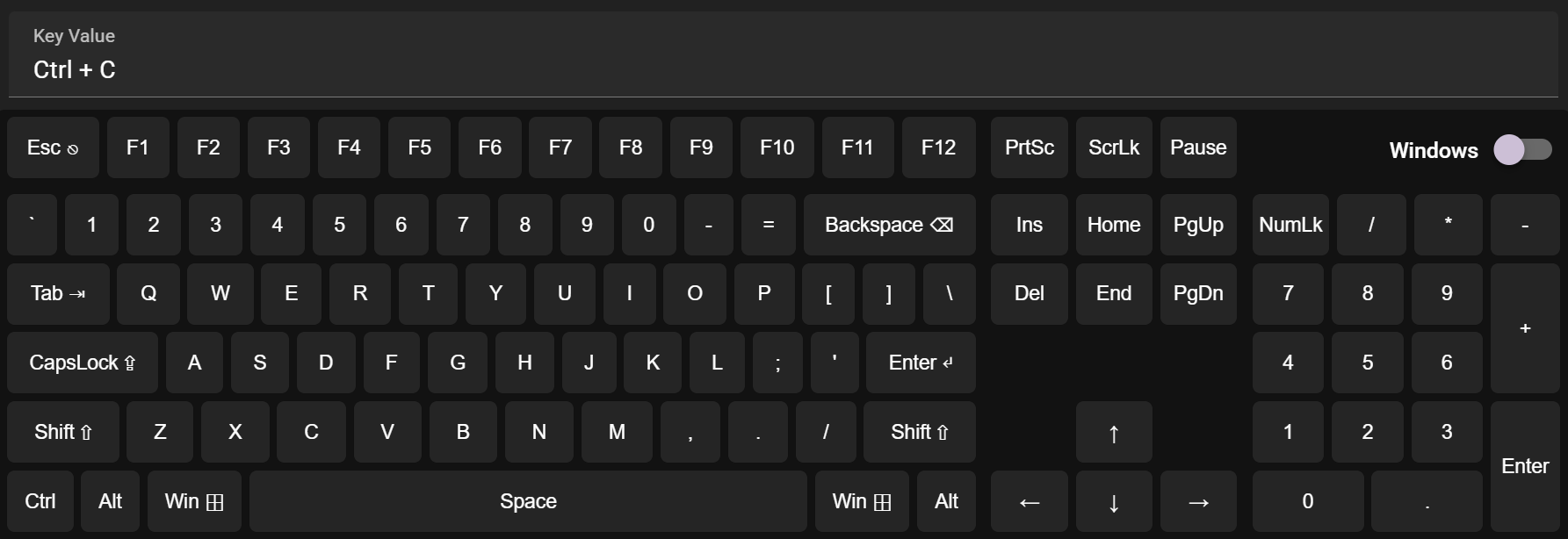
入力が必要なキーを直接選択することもできます
Flexbar 上で
Flexbar のキーを押して、定義されたアクションをトリガーします。