
快速开始
本文档介绍 FlexDesigner 的布局、功能和使用方法。
概览
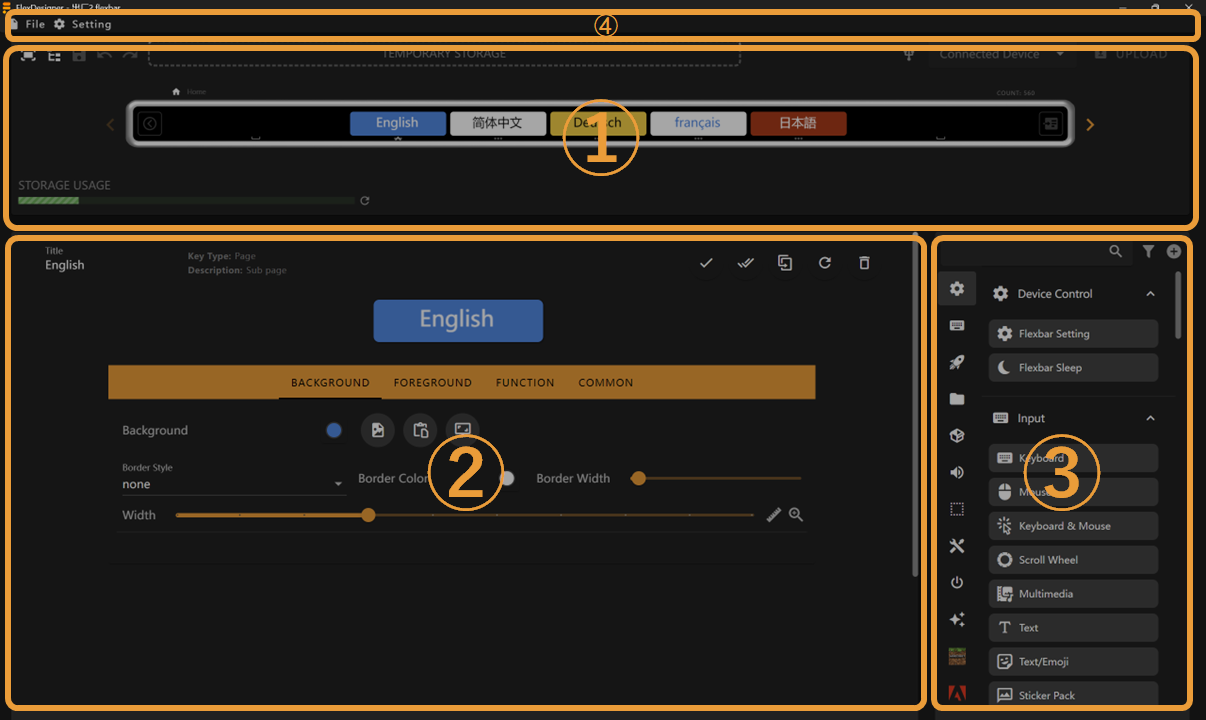
FlexDesigner 的主界面由三个部分组成:
- Page Editor: This area displays the same effects as Flexbar, allowing you to preview and adjust each interface of Flexbar
- Key Editor: Here you can edit the appearance and functionality of keys
- Key Library: Lists all preset/imported keys that you can drag and drop into the page editor or key editor
- Toolbar: Contains file management, software configuration, and other functions.
您的第一个配置文件
创建新配置文件
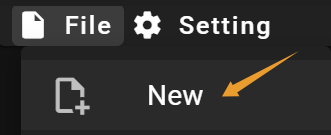
添加按键
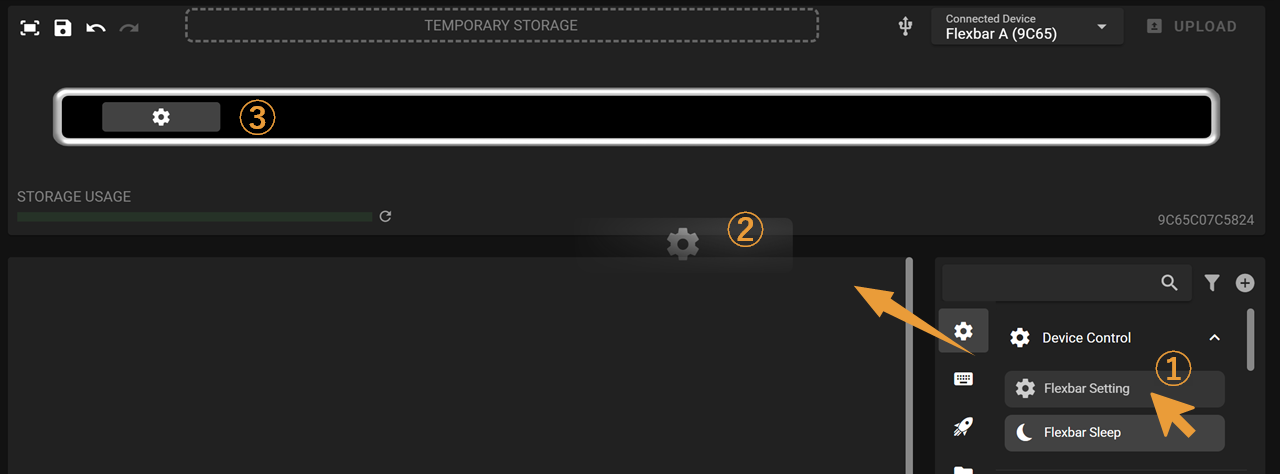
- 从按键库中选择一个按键并点击拖出
- 将按键拖到页面编辑器
- 释放鼠标将按键放置在适当位置
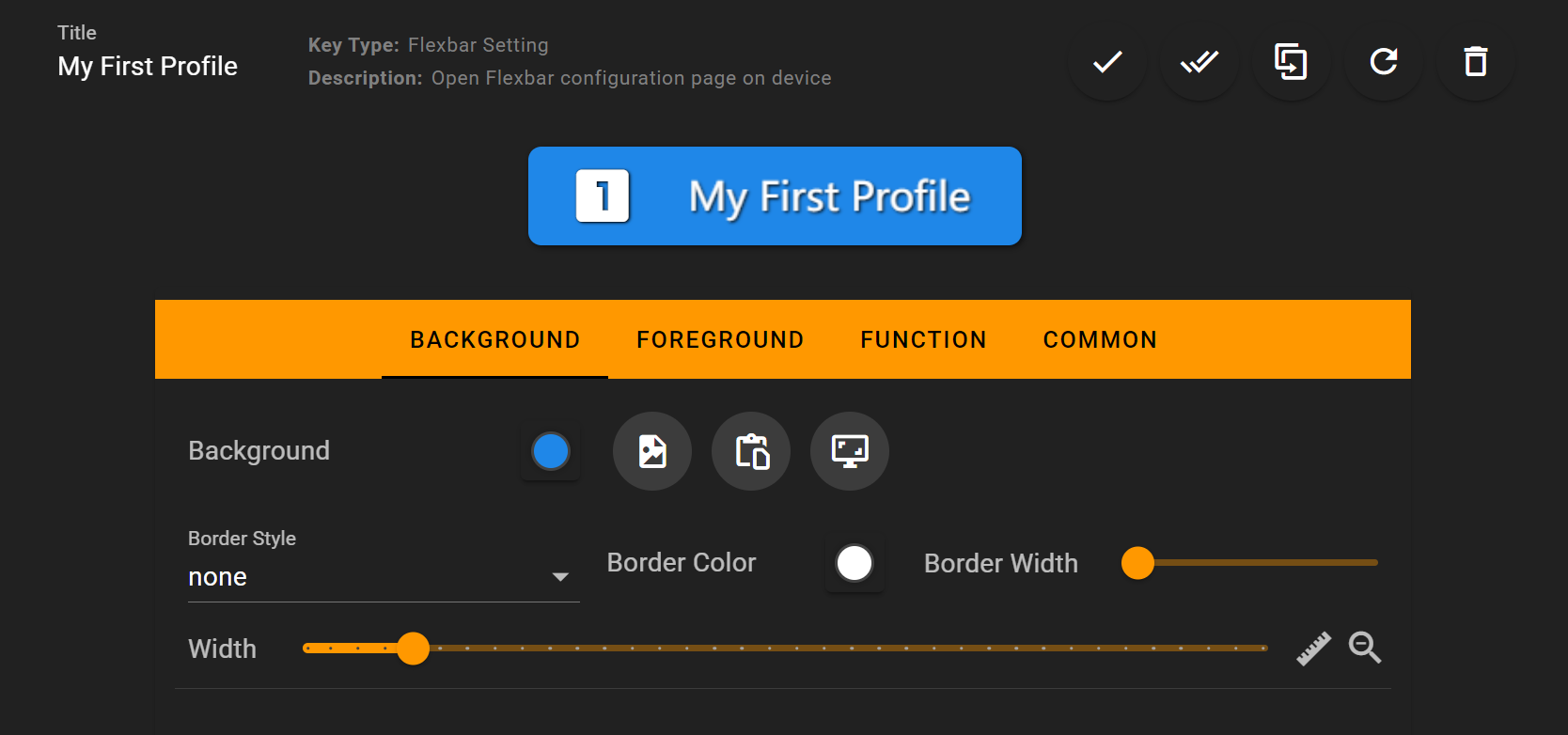
进行一些更改
You can check the Key Editor to learn how to customize keys
上传到设备

全部完成!
您现在可以在 Flexbar 上看到这个页面!

下一步
- Visit the Create My First Profile to learn how to create a profile for an application
- Visit the Background and Foreground to learn how to customize a key