
はじめに
このドキュメントでは、FlexDesigner のレイアウト、機能、および使用法を紹介します。
概要
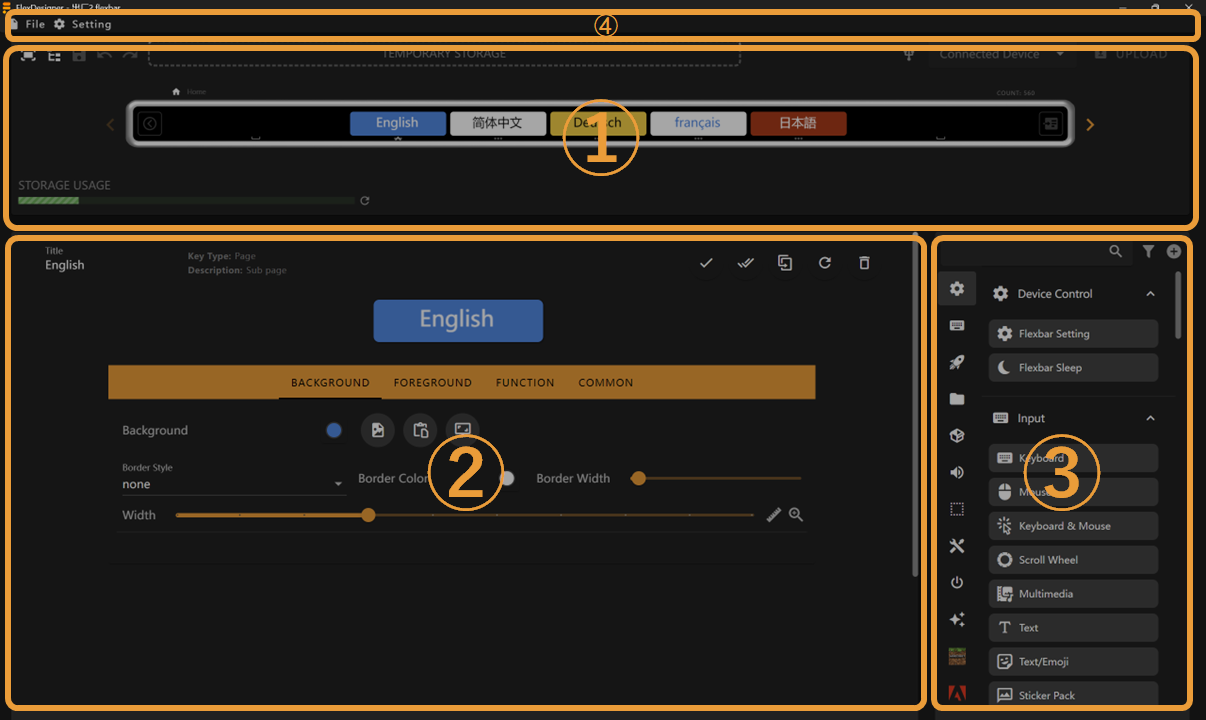
FlexDesigner のメインインターフェイスは、次の 3 つのセクションで構成されています。
- Page Editor: This area displays the same effects as Flexbar, allowing you to preview and adjust each interface of Flexbar
- Key Editor: Here you can edit the appearance and functionality of keys
- Key Library: Lists all preset/imported keys that you can drag and drop into the page editor or key editor
- Toolbar: Contains file management, software configuration, and other functions.
はじめてのプロファイル
新しいプロファイルを作成
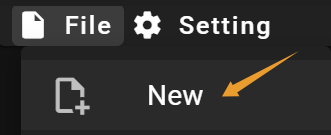
キーを追加
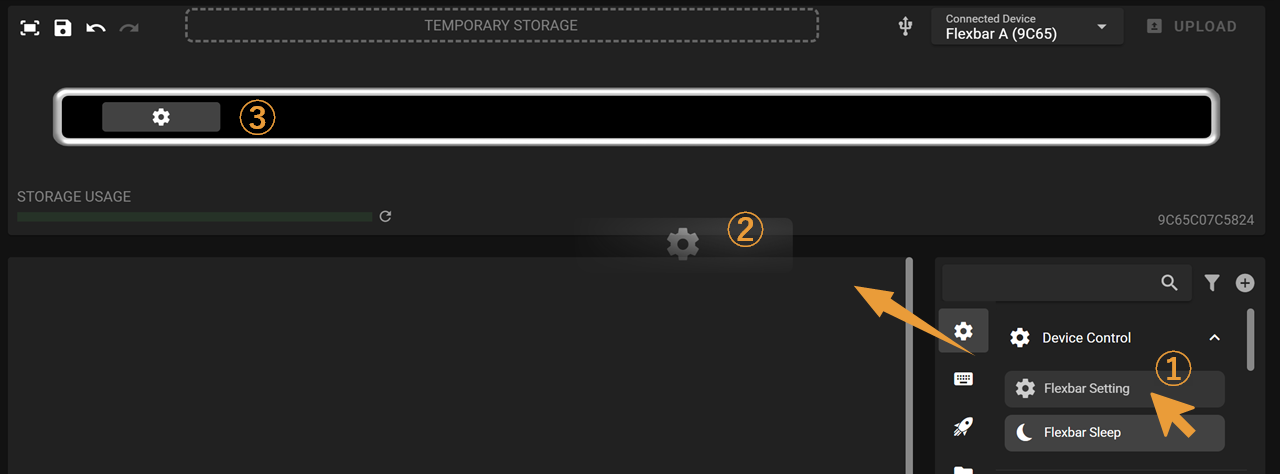
- Key Library からキーを選び、クリックしたままドラッグします。
- キーをページエディターへドラッグします。
- マウスを離して、キーを適切な位置に配置します。
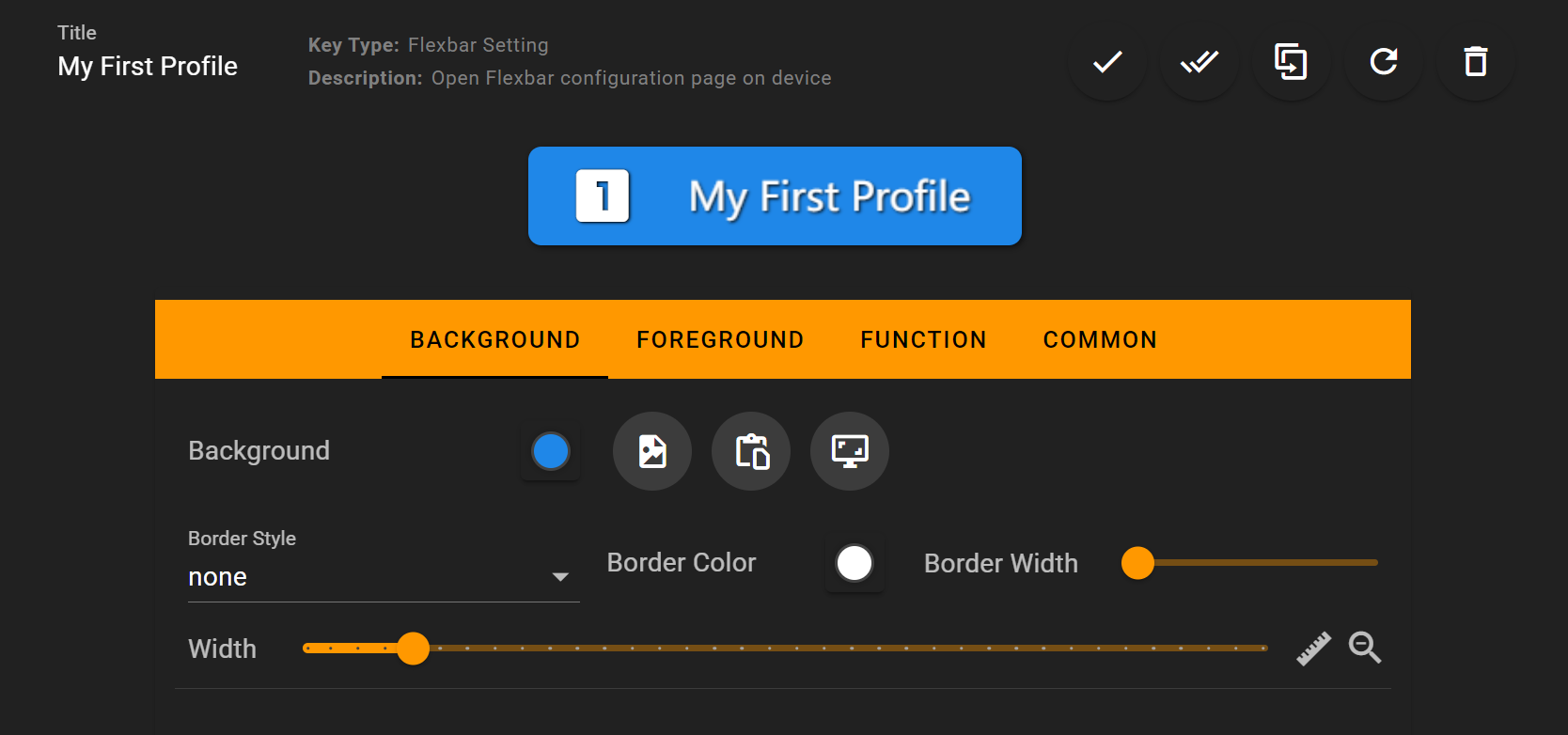
いくつかの変更を加える
You can check the Key Editor to learn how to customize keys
デバイスへアップロード

これで完了です。
このページを Flexbar 上で確認できます。

次のステップ
- Visit the Create My First Profile to learn how to create a profile for an application
- Visit the Background and Foreground to learn how to customize a key